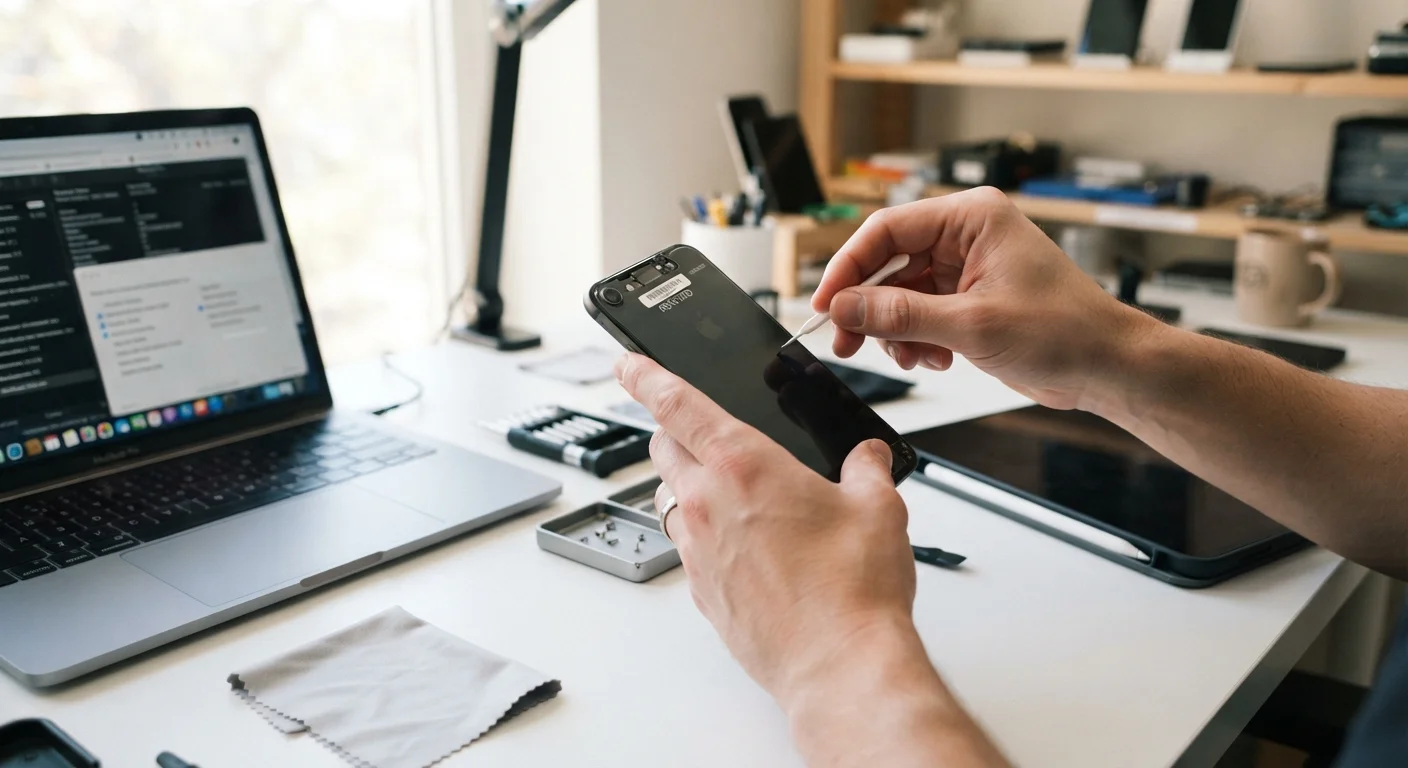
Why Default Settings Work Against You
When you unbox a new gadget, its factory settings are optimized for manufacturer benefit - not your privacy. Data collection, targeted advertising features, and cloud syncing are typically switched on from the start. Most consumers never revisit these defaults, which means devices quietly gather location data, usage habits, voice commands, and viewing history over months or years.
This isn't scaremongering - it's the documented business model behind many free or subsidized devices. Understanding which settings actually expose you, and which changes have real impact, is more useful than a vague warning to "be careful online." The practices below focus on concrete actions across the devices most people already own.
“Privacy is not something that I'm merely entitled to, it's an absolute prerequisite for me to function as a human being with dignity and autonomy.”
— Glenn Greenwald, Journalist and author known for reporting on digital surveillance
Your Router: The Front Door to Everything
Your home router connects every device you own to the internet, yet it's often the least-reviewed piece of hardware in the house. A router running outdated firmware, using default credentials, or broadcasting a network name that identifies your home address is an open invitation to outside intrusion. See our guide to modern Wi-Fi standards for context on what current routers offer.
Change your router's default admin credentials immediately after setup.
Routers ship with generic usernames and passwords that are publicly documented and trivially guessable. Leaving them unchanged gives anyone on your network a path to full router control. A strong, unique admin password closes this gap.
Enable automatic firmware updates on your router, or check for updates quarterly.
Router manufacturers release firmware patches to fix discovered security vulnerabilities. Unpatched routers remain exposed to exploits long after fixes are available. Many newer routers support automatic updates - enable this if your model offers it.
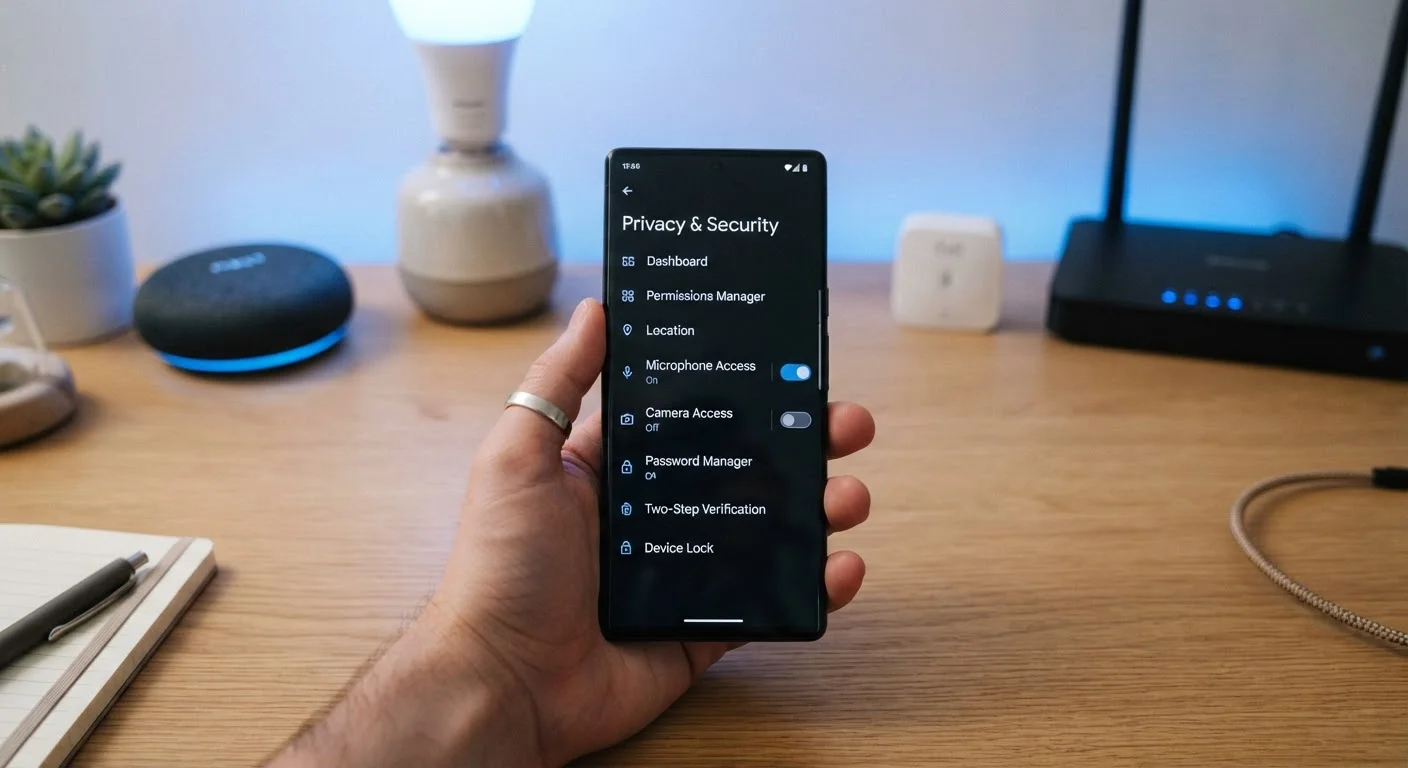
Audit app permissions on your phone every few months.
Apps frequently request more access than they need to function, and permissions granted during installation often persist indefinitely. Regular reviews let you revoke access that no longer makes sense - especially for location, microphone, and camera.
Disable ACR (Automatic Content Recognition) on your smart TV.
ACR technology tracks what you watch - including content from external HDMI sources - and shares it with advertisers and data brokers. Turning it off limits the passive data trail your TV creates without affecting playback quality.
Regularly delete stored voice assistant recordings through your account dashboard.
Voice assistant platforms retain audio clips of commands, which are occasionally reviewed by humans for quality improvement. Most platforms let you auto-delete recordings on a rolling schedule - set this once and it runs automatically.
Smartphones: Tighten Permissions App by App
Phones accumulate permission grants over time. An app you installed years ago may still have access to your microphone, contacts, or precise location - even if you never use that feature. Periodic permission audits take about ten minutes and consistently reveal surprises. If you're setting up a new device, our smartphone setup guide covers how to start fresh without carrying over unnecessary app permissions from your old phone.
Use "Approximate Location" Where Possible
Both iOS and Android allow apps to access only your approximate location rather than your precise GPS coordinates. For most apps - weather, news, food delivery search - approximate location is sufficient. Switching to this setting meaningfully limits how granularly your movements can be profiled without breaking app functionality.
Smart TVs, Streaming Boxes, and Voice Assistants
Smart TVs almost universally include ACR technology - software that samples what's displayed on your screen and reports it back to the manufacturer or third-party data brokers. This happens regardless of whether you're streaming, watching cable, or playing a game. Disabling ACR is usually buried in a section called "Live Plus," "Samba Interactive TV," or "Viewing Data" depending on the brand - check your TV's privacy or data settings menu.
Voice assistants present a different tradeoff. They require always-on microphone access to detect wake words, which means short audio clips are regularly uploaded to remote servers. Most platforms allow you to review and delete stored recordings through their companion app or account dashboard. For a balanced look at what this means in practice, see the genuine upsides and overlooked drawbacks of smart speakers.
72%
Smart TV owners unaware of ACR tracking
A survey by Disconnect found that a large majority of smart TV owners were unaware their televisions tracked viewing behavior through ACR technology.
5,000+
Data points collected per consumer daily
Research from various privacy advocacy organizations estimates that connected devices and apps collectively generate thousands of behavioral data points per user each day.
Streaming devices - sticks, boxes, and built-in platforms - also collect data on viewing habits. Our overview of streaming device platforms explains how these systems differ structurally, which matters when comparing their privacy controls.
Quick Actions Worth Taking Today
Privacy hygiene doesn't require technical expertise. The biggest gains come from a handful of targeted changes - most of which take under two minutes each. For readers building out a connected home, our guide to smart home devices for first-time buyers covers how these devices interact so you can anticipate where new data-sharing points enter the picture before you buy.
Privacy Settings Can Reset After Updates
Device and app software updates sometimes reset privacy preferences to manufacturer defaults - particularly after major operating system upgrades or when a TV's firmware is updated. It's worth doing a quick review of key settings after any significant update to confirm your choices are still in place. This applies to both phone permissions and smart TV data settings.