Three Ways to Stream: What Each Approach Actually Is
If you want to watch Netflix, Hulu, YouTube, or any other streaming service on your television, you have three main ways to get there: a streaming dongle (also called a streaming stick), a set-top box, or a built-in smart TV platform. Each connects to the internet and runs apps, but the hardware, cost, and long-term experience differ meaningfully.
A streaming dongle is a small device - roughly the size of a USB thumb drive - that plugs directly into an HDMI port on your TV. It draws power from a USB port or a small wall adapter. These are compact and easy to move between screens.
A set-top box sits next to your TV, connects via HDMI, and plugs into a wall outlet. It's a dedicated media computer with its own processor, often more RAM and storage than a dongle, and usually a full-size remote.
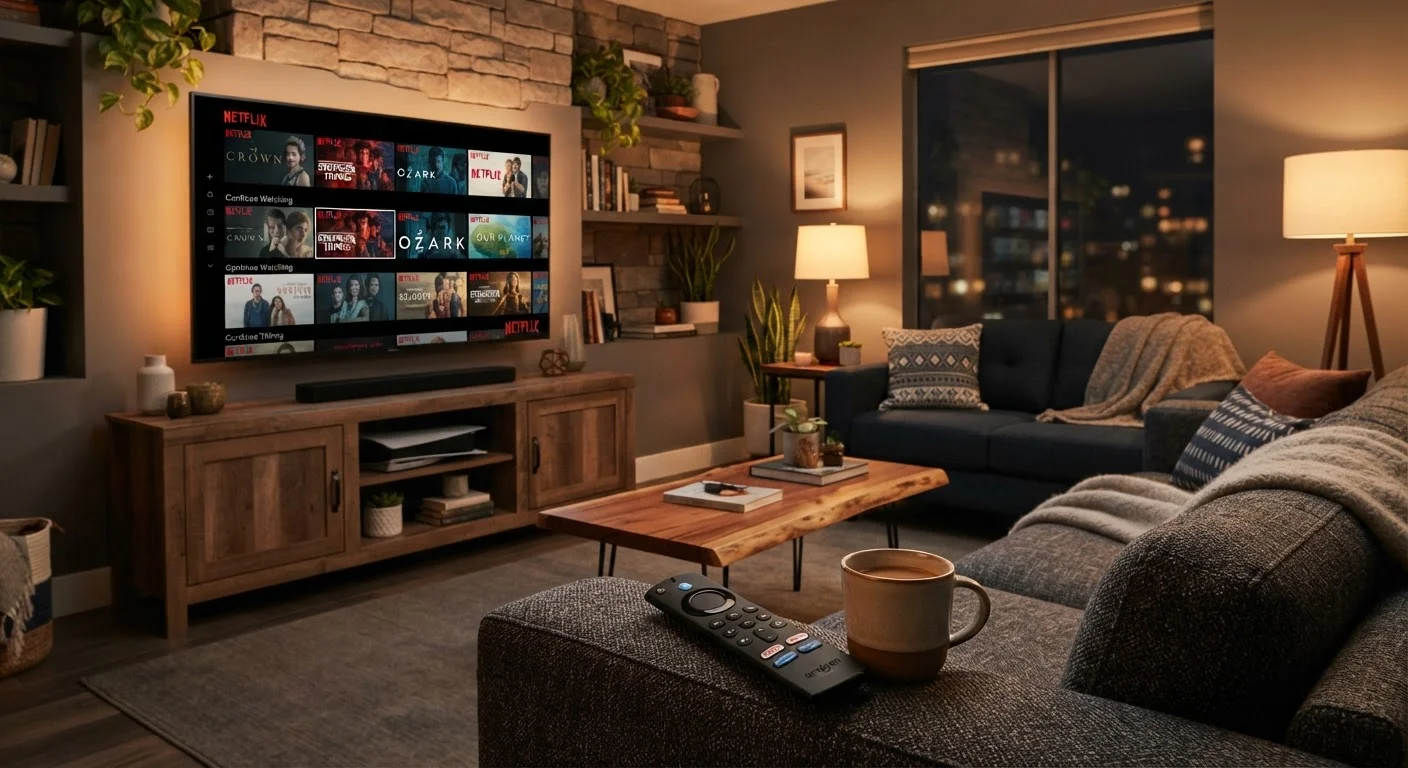
A built-in smart TV platform is software baked into the television itself - no additional hardware required. Manufacturers license or build their own operating systems, and the experience depends heavily on which TV you own and how long the manufacturer continues to push software updates. For more on reading TV specs, see our TV spec sheet guide.
| Streaming Dongle | Set-Top Box | Built-In Smart TV Platform | |
|---|---|---|---|
| Extra hardware needed | Yes - dongle + adapter | Yes - standalone box | No - built into TV |
| Typical upfront cost | Lower | Moderate to higher | Included with TV purchase |
| Portability | Very portable | Not portable | Not portable |
| Processing power | Moderate | Generally strongest | Varies widely by TV tier |
| Software update longevity | Good - tied to software maker | Good - independent lifecycle | Varies - depends on TV brand |
| Setup complexity | Low | Low to moderate | Lowest - no extras needed |
| Replace without new TV | Yes | Yes | No |
Performance, Updates, and App Support
Older or budget-tier smart TVs frequently slow down over time as apps grow more demanding while the hardware stays the same. A built-in platform may run smoothly when the TV is new and become noticeably sluggish within three to four years. Manufacturers also vary in how long they commit to software updates - some stop pushing new OS versions after two or three years, which can leave popular apps unsupported.
Set-top boxes tend to have the most headroom here. Because they're separate products with their own lifecycle, manufacturers update them independently of any TV brand, and you can replace just the box without buying a new television.
Dongles sit in the middle. They're updated by their software maker, not the TV brand, so their app libraries and security patches stay current longer than most built-in platforms - but their smaller processors can occasionally show lag when navigating large app libraries.
Check Update History Before You Buy
Before committing to any streaming platform - built-in or external - look up how frequently the manufacturer has pushed updates over the past two years. A consistent update cadence signals that the platform is actively maintained and less likely to lose app support unexpectedly. This is especially important for built-in smart TV platforms, where the TV brand controls the update schedule entirely.
App availability is generally similar across all three formats for major services, but niche or regional streaming apps may only appear on certain platforms. Check that any services you rely on are supported before committing.
~80%
US households with at least one streaming subscription
According to Leichtman Research Group data published in recent years, streaming subscription penetration in US households has consistently hovered near this level.
3-4 years
Typical smart TV OS support window
Industry observers generally note that most TV manufacturers provide active software updates for roughly three to four years after a model's release date.
Setup, Portability, and Practical Tradeoffs
Built-in platforms require no extra setup beyond connecting your TV to Wi-Fi and signing into your accounts - that simplicity is their strongest argument. However, if the platform underperforms or loses support, you're stuck with it unless you add an external device anyway.
Dongles are the easiest external option to set up and the easiest to take with you. If you travel frequently, stay in hotels, or want to use a secondary bedroom TV occasionally, a dongle fits in a jacket pocket. The tradeoff is dependence on an available HDMI port and a USB power source - some older TVs lack a powered USB port, requiring a wall adapter.
Set-top boxes are the least portable but often the most capable. They typically support more simultaneous video outputs, better Bluetooth audio pairing, and more local storage for apps. For households building out a broader connected home setup, a box integrates neatly alongside other smart devices - see our smart home guide for non-tech-savvy users for context on how these devices work together.
One consideration worth noting across all three: privacy settings. Smart TV platforms, dongles, and boxes all collect usage data by default. Reviewing and adjusting those settings is worthwhile regardless of which format you use. Learn which privacy settings actually matter on streaming and smart home devices.
Don't Rely on Older Built-In Platforms
If your television is more than four or five years old, its built-in streaming platform may no longer receive updates - and some apps may have already dropped support for it. Adding an external dongle or box is usually a more practical fix than replacing the TV. Check whether your current apps still function correctly on the built-in platform before assuming it's the streaming device that's at fault.