How Each Storage Method Actually Works
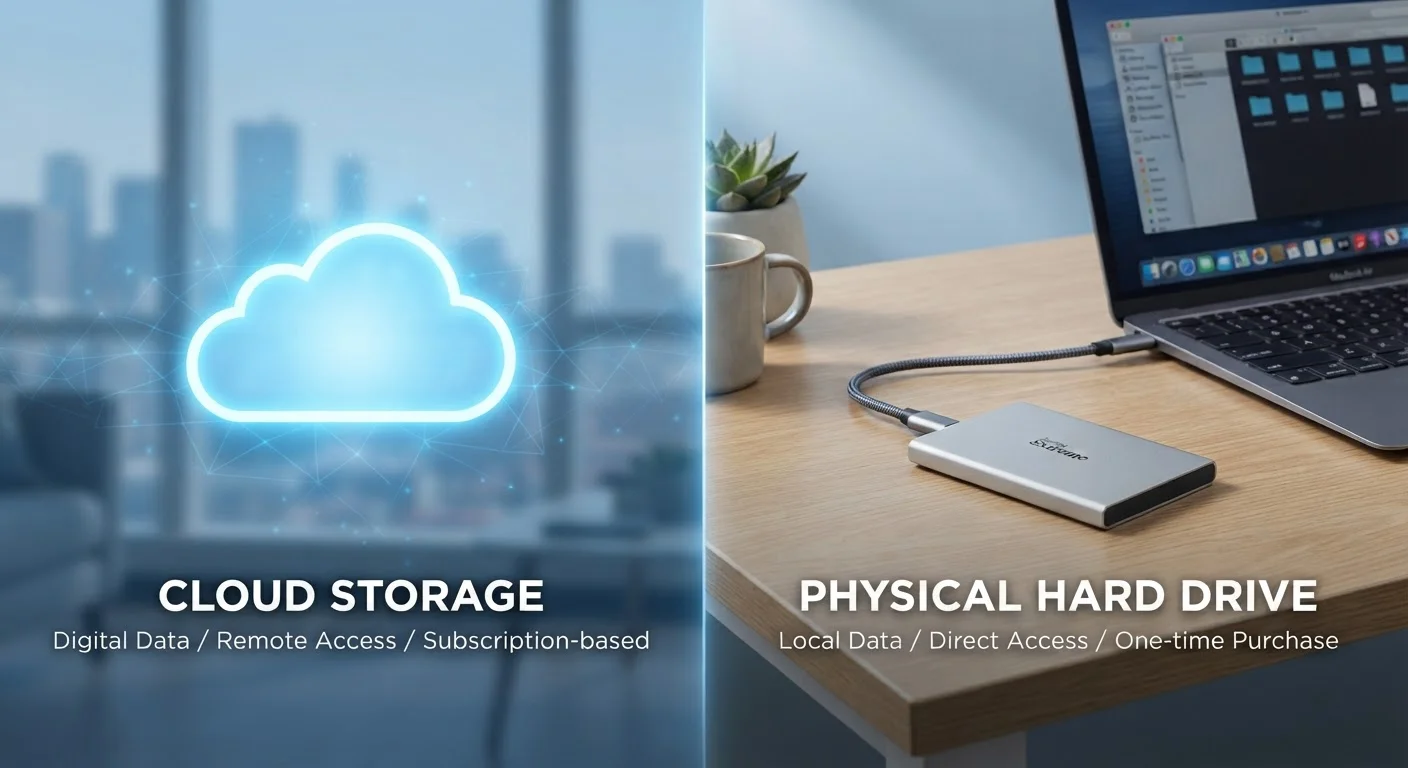
Cloud storage saves your files on remote servers managed by a third-party provider. When you upload a document, photo, or video, it travels over the internet to data centers, where it's stored and made accessible through any device with your login credentials. You're essentially renting space on someone else's infrastructure.
Local storage, by contrast, keeps files on physical hardware you own - a laptop's internal drive, an external hard drive, a USB flash drive, or a network-attached storage (NAS) device. Your files stay on the device itself, with no internet connection required to access them.
The fundamental difference comes down to where data lives and who manages the infrastructure around it. Both approaches store your data reliably under normal conditions - the divergence shows up at the edges: what happens when hardware fails, internet goes down, or your account gets compromised.
| Criterion | Cloud Storage | Local Storage |
|---|---|---|
| Cost structure | Recurring subscription fees | One-time hardware purchase |
| Accessibility | Any device, anywhere with internet | On the device or local network |
| Internet dependency | Required for access and sync | Not required |
| Privacy control | Managed by provider | Fully user-controlled |
| Redundancy | Built-in across multiple data centers | Only if you create backups manually |
| Setup complexity | Simple account-based setup | Requires hardware management |
| Risk of data loss | Account compromise, provider outage | Hardware failure, theft, physical damage |
Cost: Recurring Fees vs. One-Time Investment
Cloud storage typically involves a monthly or annual subscription. Entry-level plans often provide a modest amount of free space, with paid tiers offering significantly more. Over several years, those fees accumulate - which is worth factoring into any long-term cost assessment.
Local storage requires upfront hardware purchases, but after that, there are no mandatory ongoing fees. A high-capacity external drive purchased today can serve you for years without additional cost. The caveat: hardware degrades over time, and drives do eventually fail, so replacement costs are a real consideration.
~20%
Annual hard drive failure rate by year 4
Backblaze's long-running drive reliability studies suggest failure rates increase meaningfully after the third or fourth year of use.
3-2-1
Widely recommended backup rule
Data protection professionals commonly recommend keeping 3 copies of data, on 2 different media types, with 1 stored off-site - a standard that supports using both cloud and local storage.
For budget-conscious consumers, the math often favors local storage over a long horizon, especially for large archives. For those who value set-it-and-forget-it convenience, the predictable monthly fee of cloud storage may be worth it. Just as with digital budgeting tools vs. paper methods, the "cheaper" option depends heavily on your habits and how you use the tool.
Security, Privacy, and Reliability Trade-offs
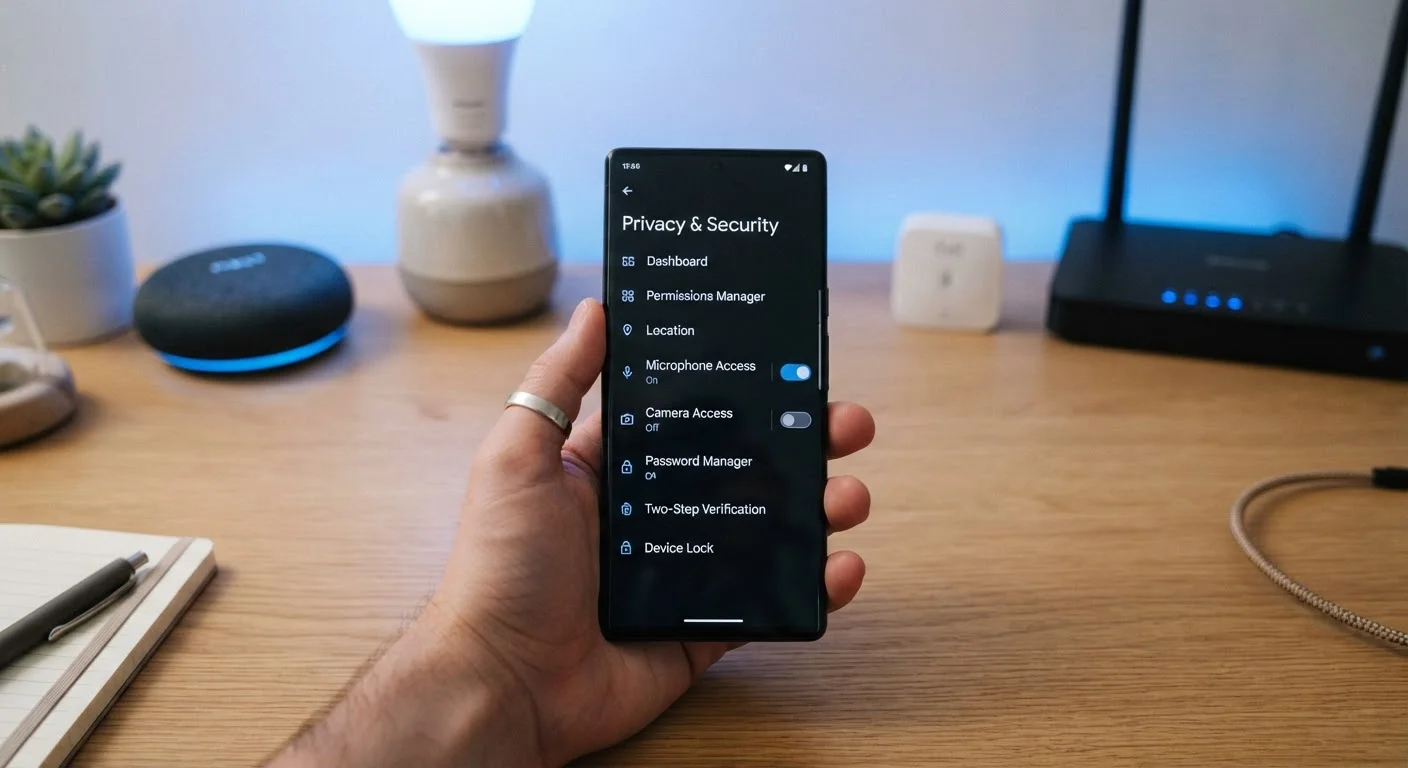
Cloud providers typically encrypt data both in transit and at rest, and employ dedicated security teams to monitor for breaches. However, your files are accessible to that provider and subject to their terms of service, data retention policies, and any legal requests directed at them. If your account credentials are compromised, your files are at risk regardless of how secure the servers are.
Local storage puts security responsibility entirely in your hands. If you don't encrypt your drive yourself, an unprotected device that's lost or stolen exposes your data directly. On the other hand, local files aren't reachable via the internet at all unless you specifically configure remote access - which limits certain attack vectors.
End-to-End Encryption: Know the Difference
Standard cloud encryption protects your files from outside attackers, but the provider can still access your data. Some services offer end-to-end encryption (E2EE), meaning only you hold the decryption key. If privacy from the provider matters to you, look specifically for E2EE as a feature - it's not standard across all services. Keep in mind that if you lose your encryption key with E2EE, your files may be permanently inaccessible.
Reliability also differs in an important way. Cloud services offer redundancy - your files are typically stored across multiple data centers, so a single server failure won't erase your data. Local drives have no built-in redundancy unless you create it yourself by maintaining duplicate copies. This mirrors a broader principle in data management: no single storage method should be your only copy of something irreplaceable. Just as cutting corners on storage can lead to unexpected costs, relying on a single point of failure for your files is a risk worth taking seriously.
Accessibility and Practical Everyday Use
Cloud storage excels when you need files across different devices or locations. Edit a spreadsheet on your laptop, pick it up on your phone during a commute, share it with a colleague - all without emailing attachments or carrying hardware. This convenience is hard to replicate with local storage alone.
Local storage wins when internet access is unavailable or unreliable. Rural areas, travel situations, or simply working on a plane all favor having your files physically present on your device. There's also no latency - large files open instantly rather than streaming from a server.
For most everyday consumers, the practical answer isn't a binary choice. A working hybrid strategy - keeping active files synced to the cloud while backing up important archives on a local drive - captures the accessibility benefits of cloud and the resilience benefits of local hardware. This kind of layered thinking, weighing convenience against control, applies across many consumer decisions, including how you approach organizing different types of financial accounts for different purposes.