What Smart Home Devices Actually Do
The term "smart home" gets used broadly, but the core idea is straightforward: these are devices that connect to your home Wi-Fi network and can be controlled remotely - through a smartphone app, a voice command, or an automated schedule. They don't require you to write code or rewire anything. They're designed to handle repetitive tasks you'd otherwise do manually.
Common examples include smart plugs that cut power to appliances on a timer, smart bulbs you dim from your phone, thermostats that adjust temperature based on your routine, and video doorbells that send alerts when someone arrives. For a broader overview of how these devices connect and what they're capable of, see our practical introduction for first-time buyers.
The appeal isn't novelty - it's convenience. Devices that remove small friction points from your day (like remembering to turn off the porch light) tend to deliver the most tangible value.
The Most Beginner-Friendly Device Categories
Not all smart home devices are equally approachable. Some require hub hardware, specific wiring, or ongoing configuration. Others work out of the box with a phone and a Wi-Fi password. Here are the categories that tend to suit first-time users best:
- Smart plugs: Plug into any standard outlet. Control connected lamps, fans, or coffee makers remotely or on a schedule. No installation required.
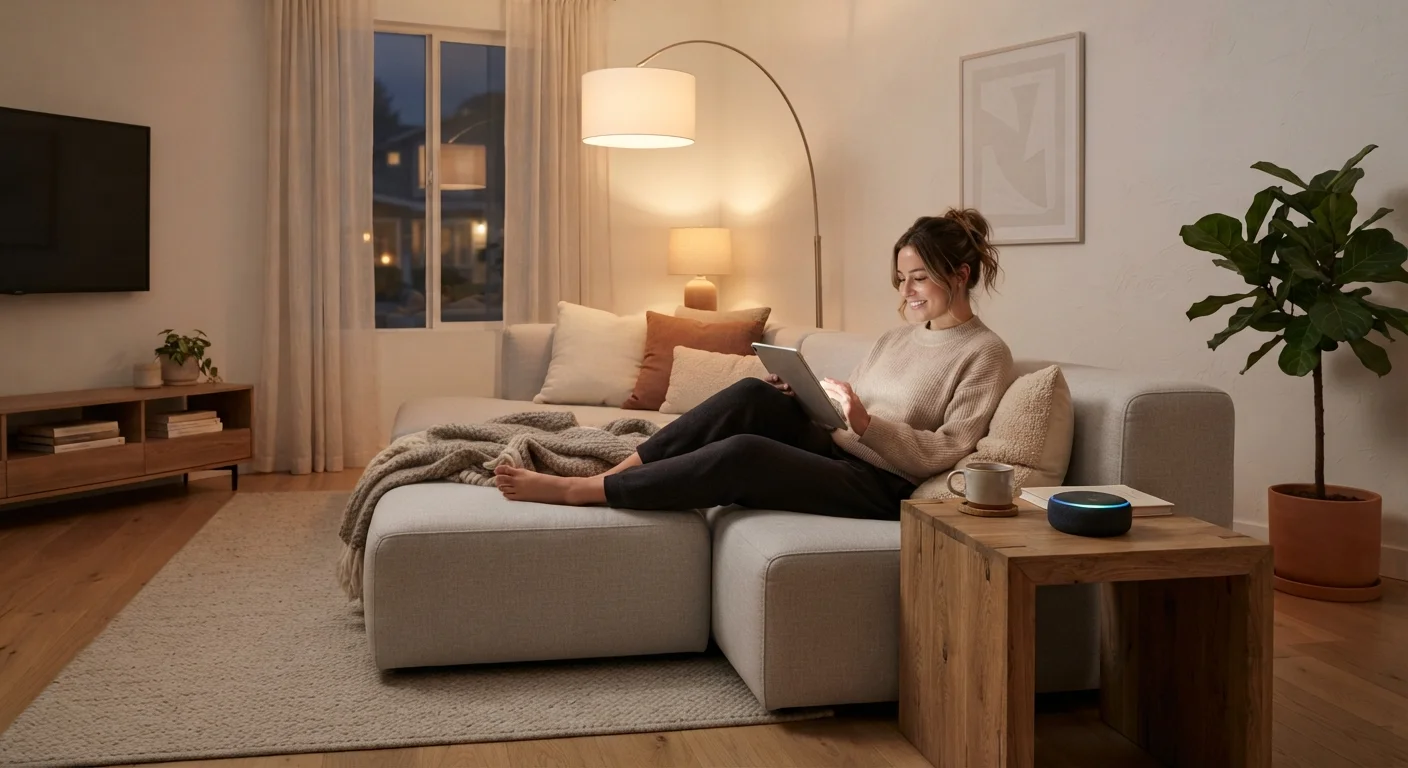
- Smart speakers and displays: Voice-activated devices that play music, answer questions, set timers, and control compatible devices. Setup is typically guided step-by-step in a companion app. For a candid look at both the upsides and drawbacks, our article on owning a smart speaker is worth reading before you commit.
- Smart light bulbs: Screw into standard fixtures. Controlled via app or voice. No rewiring involved, though they work best when the wall switch stays on.
- Smart doorbells and cameras: Slightly more involved to set up, but installation is usually manageable. Video footage and motion alerts arrive on your phone.
- Smart thermostats: Require replacing your existing thermostat - straightforward for most homes with standard wiring, but worth confirming compatibility before purchasing.
Start With One Device, Not a System
Resist the temptation to purchase multiple devices at once to build a coordinated setup. Start with a single, inexpensive device - a smart plug is often a good choice - and live with it for a few weeks. This gives you a realistic sense of whether the category fits your habits before you invest further.
Key Concepts Before You Start
Ecosystem
A family of devices and services from one platform or manufacturer that are designed to work together. Examples include Google Home, Amazon Alexa, and Apple HomeKit.
Hub
A central device that connects and coordinates other smart home devices, especially those that use wireless protocols other than standard Wi-Fi.
Voice assistant
Software built into smart speakers or displays that responds to spoken commands - used to control devices, play media, or retrieve information.
Firmware
The built-in software that runs on a device. Manufacturers release firmware updates to fix bugs and address security vulnerabilities.
Local control
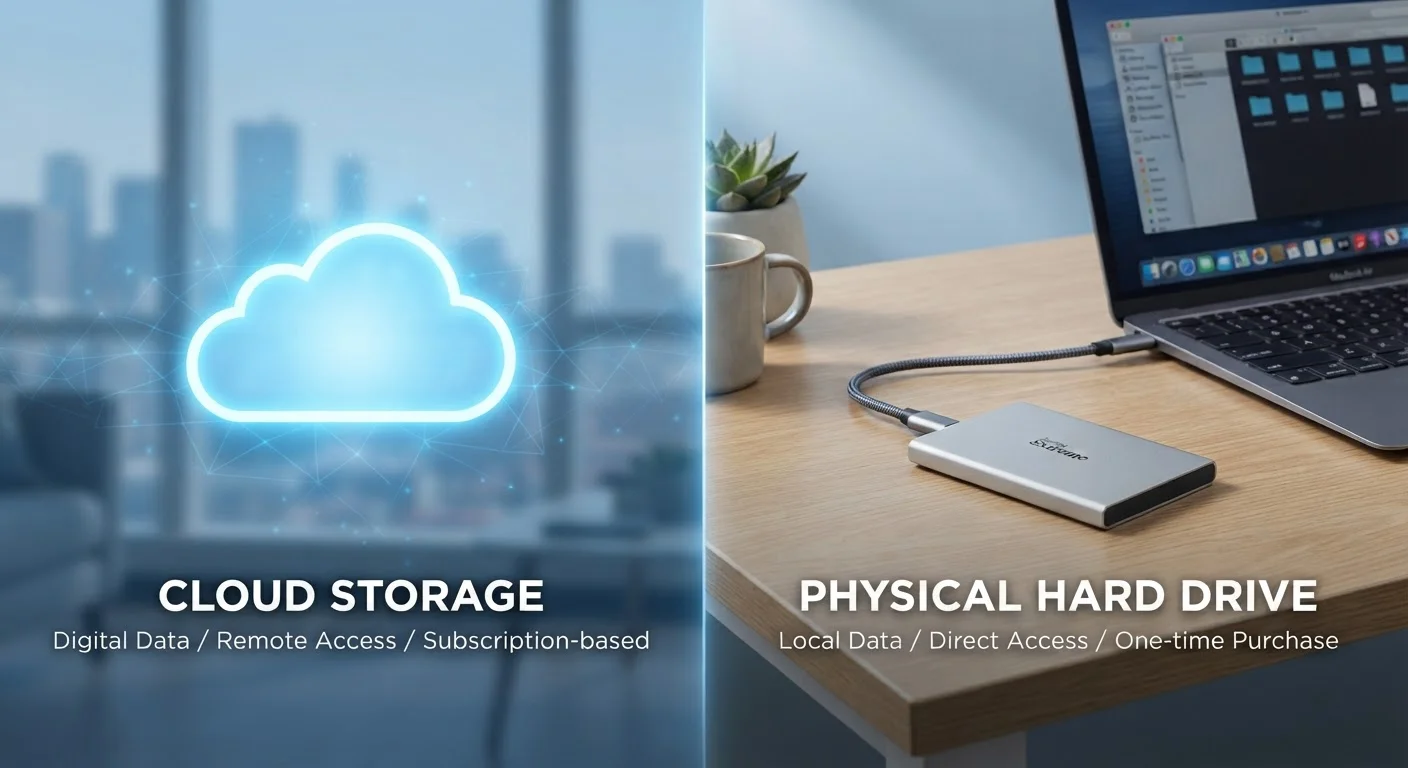
A device's ability to function using your home network alone, without depending on a manufacturer's internet-based server. Provides reliability if the cloud service goes offline.
Matter
An interoperability standard that allows smart home devices from different manufacturers to communicate with each other, reducing compatibility friction.
Understanding a few terms makes the research process considerably less confusing. Manufacturers often use ecosystem-specific language, which can make the same underlying concept sound different from one brand to the next. Refer to the glossary above when you encounter unfamiliar terms in product descriptions or setup guides.
What to Consider Before Buying
Shopping for smart home devices is an area where doing a small amount of upfront research pays off. A few practical questions worth working through before making a decision:
- What problem are you actually solving?
- Devices that address a real daily friction point - like forgetting to turn off lights or adjusting the thermostat before bed - deliver more lasting value than gadgets purchased out of curiosity.
- What ecosystem are you already in?
- If you already use a particular voice assistant or own devices from one manufacturer's platform, it's generally easier to stay within that ecosystem. Mixing platforms can create compatibility gaps.
- How reliable is your Wi-Fi?
- Smart devices are only as dependable as your network. Weak signal in parts of your home can make devices unreliable. A mesh Wi-Fi system or a router upgrade may be worth considering before adding multiple devices.
- What does the app experience look like?
- Read user reviews specifically about the app - not just the hardware. A device with a clunky or confusing app undermines the convenience argument entirely.
For broader guidance on evaluating purchases before spending, the principles in our consumer field guide to everyday purchases apply equally well to electronics.
The Matter Standard Is Worth Knowing About
Matter is an interoperability standard developed collaboratively by major technology companies, designed to let smart home devices from different manufacturers work together more reliably. It's still being adopted across the industry, and not all current devices support it. When evaluating newer devices, checking for Matter compatibility is a reasonable forward-looking consideration.
Privacy and Security: What You Should Know
Smart home devices collect data as part of how they function. Voice-activated devices send audio snippets to cloud servers for processing. Usage logs, schedules, and location data may be retained by manufacturers. This doesn't mean these devices are unsafe to use, but it does mean some informed choices during setup make a difference.
A few practical steps worth taking:
- Review the app's privacy settings before completing setup - many devices default to sharing more data than necessary.
- Change the default device password if the device has one.
- Keep device firmware updated; manufacturers regularly issue patches for known vulnerabilities.
- Consider placing smart devices on a separate Wi-Fi network (sometimes called a guest network) to limit their access to your primary devices.
For a detailed walkthrough of privacy settings across common device types - including smart speakers and streaming hardware - our guide on privacy settings that actually matter covers the most impactful changes you can make. You might also find it useful to browse our full Electronics & Gadgets hub for further reading on specific device types.
Discontinued Apps Can Brick Devices
Some smart home devices rely entirely on a manufacturer's cloud service to function. If that service shuts down or the company discontinues the product line, the device may stop working entirely - even if the hardware is fine. Check whether a device has local control options (functioning without a cloud connection) if long-term reliability matters to you.