Why the Jump to Wi-Fi 6 Matters
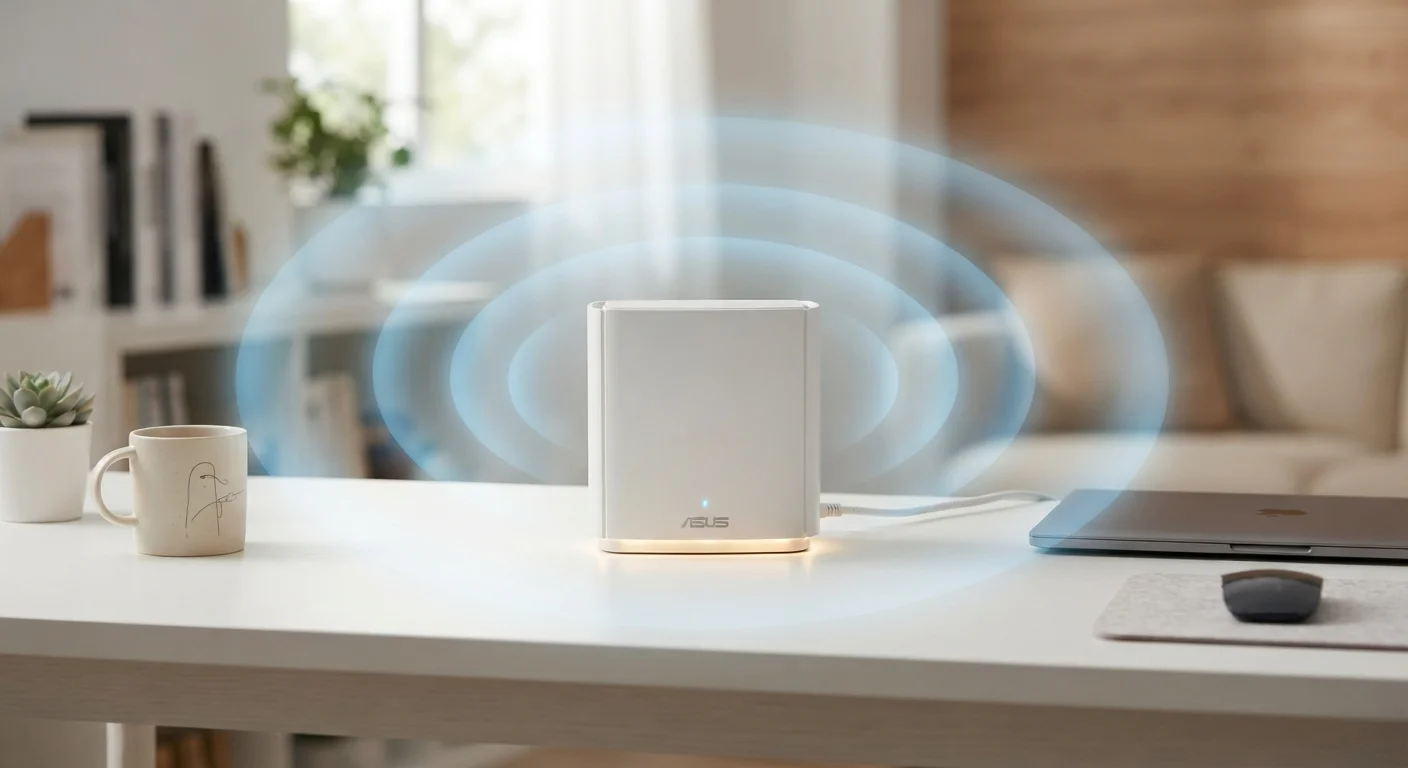
Previous Wi-Fi generations prioritized raw speed, but Wi-Fi 6 shifts focus to efficiency under load. The problem it solves is one most households now face: dozens of devices - phones, laptops, smart TVs, security cameras, smart speakers - all competing for airtime on a shared network.
Wi-Fi 6 addresses this through two key technologies. OFDMA splits a channel into smaller sub-channels so a router can talk to multiple devices at once, rather than one at a time. MU-MIMO allows simultaneous data streams to multiple devices. Together, they reduce the waiting time each device experiences, which translates to more consistent performance across your whole home.
Maximum theoretical speeds also increase - Wi-Fi 6 supports up to 9.6 Gbps versus Wi-Fi 5's 3.5 Gbps ceiling - but real-world gains depend heavily on your devices, your home layout, and your internet plan.
9.6 Gbps
Wi-Fi 6 maximum theoretical throughput
Compared to Wi-Fi 5's theoretical maximum of 3.5 Gbps, representing a significant ceiling increase for multi-device environments.
1,200 MHz
Additional spectrum unlocked by Wi-Fi 6E
The FCC's opening of the 6 GHz band for unlicensed Wi-Fi use in the U.S. dramatically expands available airspace for Wi-Fi 6E-compatible devices.
Up to 8x
More simultaneous device connections vs. Wi-Fi 5
Wi-Fi 6's use of OFDMA is designed to support higher device density in a single network without proportional performance degradation.
What Wi-Fi 6E Adds: The 6 GHz Advantage
Wi-Fi 6E takes the same underlying technology and opens up a third radio band: 6 GHz. In the U.S., the FCC opened this spectrum for unlicensed use, giving Wi-Fi 6E routers access to up to 1,200 MHz of additional spectrum - roughly seven times what was previously available in the 5 GHz band.
The practical benefit is reduced interference. The 2.4 GHz and 5 GHz bands are crowded with everything from baby monitors to neighboring apartment networks. The 6 GHz band, by contrast, is reserved exclusively for Wi-Fi 6E devices, which means far less congestion in dense residential areas like apartment buildings.
The limitation worth understanding: higher-frequency signals attenuate (weaken) faster. The 6 GHz band won't reach as far as 5 GHz, and walls reduce it more significantly. It's most effective for devices that are relatively close to the router.
Placement Matters More with 6 GHz
If you're planning to take advantage of Wi-Fi 6E's 6 GHz band, position your router centrally in your home and minimize the number of walls between it and your primary devices. Unlike 2.4 GHz, which passes through obstacles more readily, 6 GHz works best in relatively open line-of-sight conditions. For multi-floor homes, a mesh system with 6E nodes may deliver better results than a single router.
Who Actually Benefits - and Who Doesn't
Understanding whether this upgrade makes sense for your household comes down to a few practical questions.
Households that tend to benefit most
- High device counts: If your home has 15 or more connected devices, Wi-Fi 6's efficiency improvements are more noticeable.
- Dense living situations: Apartment dwellers surrounded by competing networks see real gains from Wi-Fi 6E's uncrowded 6 GHz band.
- Bandwidth-heavy users: Households with simultaneous 4K streaming, video conferencing, and online gaming will notice fewer conflicts.
When the upgrade is less urgent
- If most of your devices are more than three years old, they likely lack Wi-Fi 6 chips, limiting what you'd gain.
- If your internet plan delivers under 100 Mbps, your bottleneck is the ISP connection, not your Wi-Fi standard.
- Small homes with few devices may see negligible difference day-to-day.
For guidance on securing whichever router you use, see our guide to privacy settings that actually matter - settings that apply regardless of which Wi-Fi generation you run.
What to Check Before Upgrading
A router upgrade alone won't unlock every benefit. Before purchasing, consider these factors:
- Device compatibility: Check which of your devices already have Wi-Fi 6 or 6E chips. Phones released from 2020 onward and many newer laptops include Wi-Fi 6 support.
- Home size and layout: For larger homes, a Wi-Fi 6 mesh system may distribute coverage better than a single router, regardless of the standard.
- ISP speed tier: Wi-Fi 6 lets you use your existing bandwidth more efficiently - it doesn't create bandwidth where none exists.
- Router placement: If you plan to leverage the 6 GHz band, devices using it should be in reasonable proximity to the router.
Wi-Fi 6E also introduces a feature called Target Wake Time (TWT), which lets the router schedule when devices wake up to send and receive data. This can meaningfully extend battery life on compatible smart home sensors and IoT devices - a quiet benefit that's easy to overlook.
Wi-Fi 7 Is Coming - But Isn't Here Yet for Most
Wi-Fi 7 (802.11be) hardware has begun appearing, promising higher speeds and multi-link operation. However, widespread device support and real-world deployment are still maturing. For most consumers making a router decision today, Wi-Fi 6E remains a practical and well-supported choice. If you're planning to keep your router for five or more years, it's worth checking whether Wi-Fi 7 hardware fits your timeline and budget before committing.