
Why Laptop Purchases So Often Disappoint
Laptops are among the more considered purchases most households make - yet buyer regret remains surprisingly common. The problem is rarely a defective product. More often, it's a decision made using the wrong criteria: spec numbers that look impressive but don't translate to daily performance, or priorities shaped by marketing rather than actual use patterns.
Understanding where these decisions go wrong - and why they're so easy to get wrong - is the first step toward a purchase that actually holds up over time. It's also worth thinking ahead: the full cost of owning a laptop extends beyond the sticker price, covering accessories, software subscriptions, and eventual repairs.
The Most Common Mistakes Laptop Buyers Make
The errors below aren't rare or unusual - they appear repeatedly among consumers across all experience levels. Each one has a clear cause and a straightforward correction.
Prioritizing RAM over storage speed and processor quality.
Why it happens: RAM is a widely marketed spec that consumers have learned to equate with performance, making it easy to fixate on GB numbers while ignoring the SSD type or CPU generation.
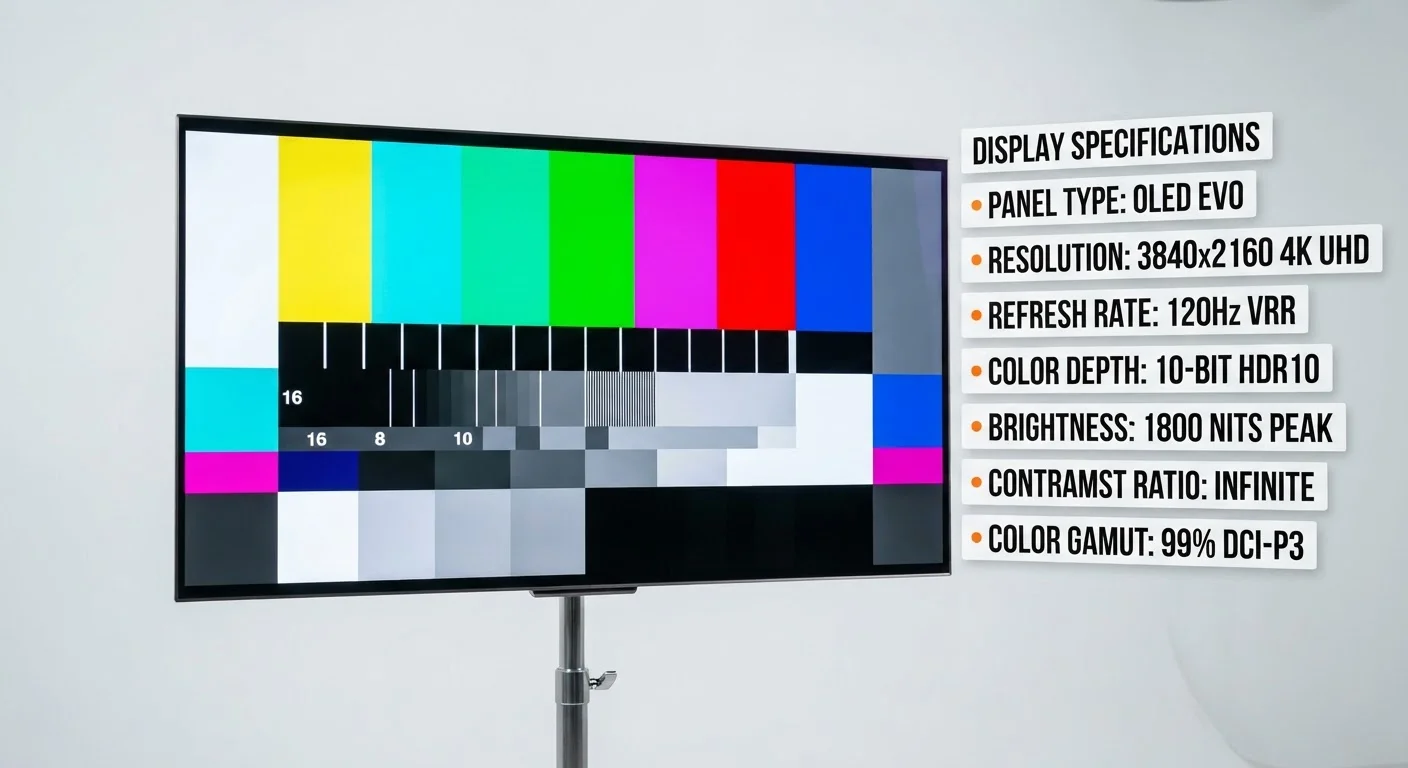
Ignoring display quality in favor of other specs.
Why it happens: Displays are hard to evaluate from a spec sheet alone, and buyers often focus on processor or storage numbers that feel more concrete and comparable.
Taking advertised battery life at face value.
Why it happens: Manufacturers test under optimized, low-drain conditions that don't reflect how most people use a laptop - screen brightness, active apps, and connectivity all reduce real runtime significantly.
Buying for an aspirational use case rather than an actual one.
Why it happens: It feels prudent to future-proof, so people pay for video-editing or gaming-grade hardware when their actual workload is email, spreadsheets, and web browsing.
Overlooking weight and build quality for everyday portability.
Why it happens: Weight is rarely a headline feature, and buyers holding a laptop briefly in a store rarely simulate carrying it in a bag for several hours.
Neglecting to check return and exchange terms before purchasing.
Why it happens: Excitement about a purchase causes many buyers to skip policy review, assuming returns are straightforward - but electronics often carry restocking fees or short return windows.
Battery Life Claims Are Marketing Estimates
Laptop manufacturers test battery life under low-brightness, minimal-load conditions that most users never replicate. Expect real-world battery life to run 20-40% lower than advertised figures, particularly if you use video calls, streaming, or demanding applications regularly. Factor this gap into your evaluation rather than taking advertised hours at face value.
If you're considering a refurbished model to manage costs, the same principles apply - but with additional checkpoints. A practical checklist for refurbished devices can help you verify condition, warranty coverage, and seller credibility before committing.
Specs Alone Don't Define Real-World Performance
A high spec number on the box doesn't always translate to a noticeably better experience in everyday tasks. Factors like thermal design, software optimization, and storage speed affect how a laptop actually performs - not just the headline RAM or CPU figure. Compare real-world benchmarks and user reviews alongside spec sheets before deciding.
Making a Smarter Decision Before You Buy
The pattern behind most laptop buying mistakes is the same: decisions driven by surface-level spec comparisons rather than honest use-case assessment. Before finalizing any laptop choice, write down your actual daily tasks, identify the two or three specs that directly affect those tasks, and test claims against independent reviews rather than manufacturer materials.
It's also worth building the laptop cost into your broader spending picture. Unplanned electronics purchases - especially at the higher end - can crowd out other budget priorities. Many budgets fail to account for technology refresh costs alongside other irregular expenses. A little planning upfront avoids both spec regret and financial strain after the fact.
This article is for general informational and educational purposes only. Product performance varies by model, configuration, and individual use. Consult independent hardware reviews and verify current specifications before making any purchasing decision.