The Basic Idea: Pixels and Grids
Every digital display - whether a phone screen, computer monitor, or television - is a grid of tiny light-emitting squares called pixels. Resolution simply states how many columns and rows fill that grid. A 1920×1080 display has 1,920 columns and 1,080 rows, totaling roughly 2 million pixels. A 3840×2160 display (marketed as 4K or Ultra HD) has about 8.3 million.
More pixels means the display can render finer lines and sharper text - but only up to the point where your eye can distinguish them. That limit depends heavily on how large the screen is and how far away you are sitting.
8.3M
Pixels in a standard 4K display
A 3840×2160 panel contains approximately 8.3 million pixels, compared to about 2 million in a 1080p display.
~12 in
Typical smartphone viewing distance
Research on screen ergonomics commonly cites 10-14 inches as the average distance at which people hold a phone, making pixel density especially relevant for mobile displays.
25 Mbps
Recommended bandwidth for 4K streaming
Major streaming platforms generally recommend a minimum of 25 Mbps download speed to reliably stream 4K HDR content without buffering.
Why the Same Resolution Looks Different on Different Devices
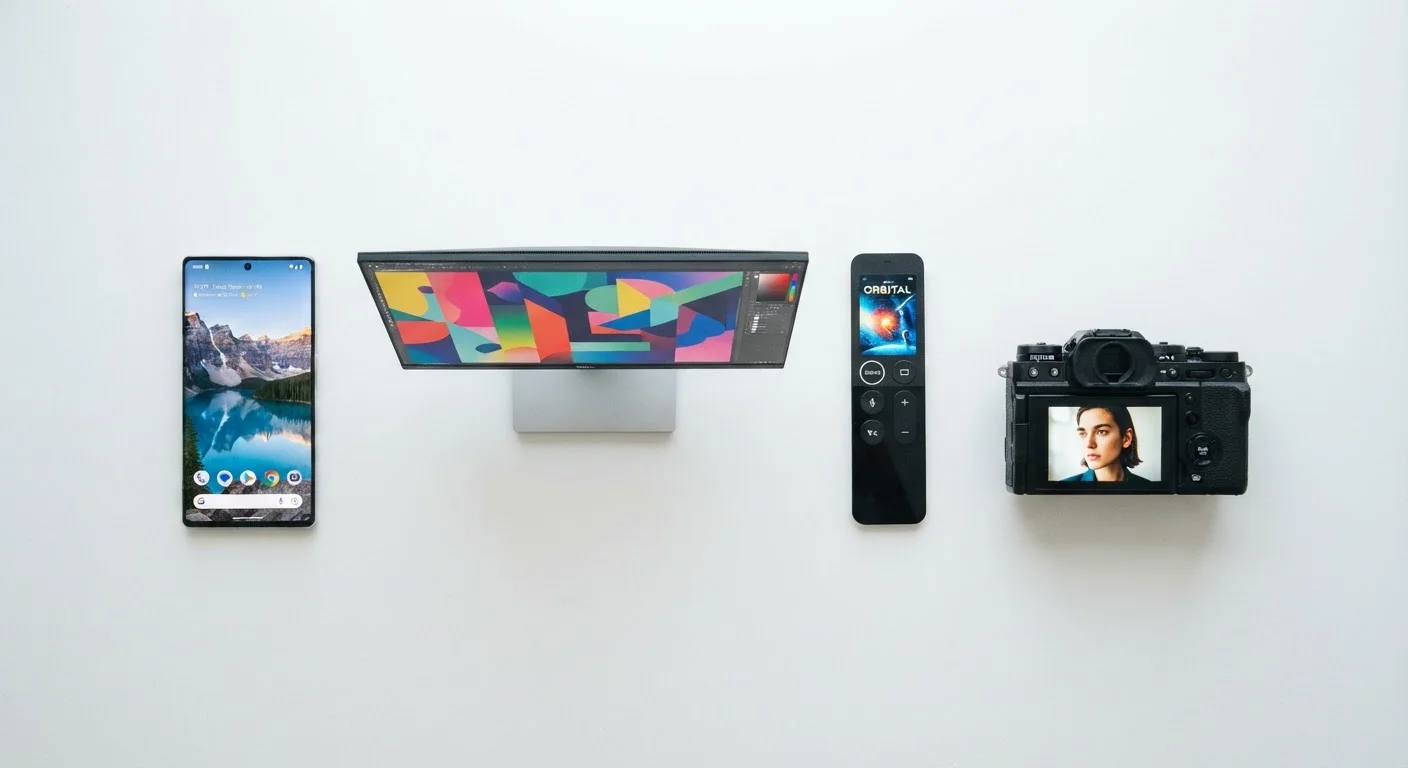
A 4K resolution spread across a 6.5-inch phone screen produces roughly 670 pixels per inch (PPI). The same 4K resolution on a 65-inch TV yields around 68 PPI - about ten times fewer pixels per inch. The TV image looks sharp from 8-10 feet away because that viewing distance compensates. On the phone, held at arm's length, the sheer density makes edges appear almost perfectly smooth.
This is why pixel density is the more useful comparison tool. When evaluating monitors for close-up desk work, look for PPI figures rather than raw resolution labels. A 27-inch 1440p monitor sits around 109 PPI - a noticeable sharpness upgrade over a same-size 1080p panel at 82 PPI.
For a broader breakdown of the specs you'll encounter on televisions, see our plain-English TV spec guide, which covers how resolution interacts with HDR, refresh rate, and other panel characteristics.
Use PPI to Compare Screens Fairly
When comparing two monitors or phones with different screen sizes, look up or calculate the pixels-per-inch figure rather than comparing resolution labels alone. Many manufacturer spec pages list PPI directly. For monitors, a figure above 100 PPI at desk working distance typically delivers noticeably sharper text and fine detail.
Cameras: Megapixels Are Not the Same as Display Resolution
Camera resolution is measured in megapixels (MP) - each megapixel equals one million individual light-capturing sites on the sensor. A 48MP camera captures 48 million data points per photo. This is entirely separate from any display; it describes what the sensor records, not how it looks on a screen.
Higher megapixels provide more data for cropping, enlarging, or printing at large formats. But sensor size, lens optics, and processing algorithms shape the final image quality far more than megapixel count alone. A well-engineered 12MP camera will often outperform a poorly designed 50MP competitor in real-world lighting conditions.
Common Resolution Labels Decoded
Marketing shorthand often obscures actual pixel counts. Here is a quick reference:
- HD / 720p: 1280×720 - common in entry-level TVs, older streaming tiers, and budget phones.
- Full HD / 1080p: 1920×1080 - the current baseline for most monitors, streaming, and mid-range phones.
- 2K / QHD / 1440p: 2560×1440 - popular in mid-range monitors and gaming displays; noticeably sharper at desk distances.
- 4K / UHD: 3840×2160 - standard in current TVs, high-end monitors, and flagship phones. Streaming and Blu-ray content now widely supports it.
- 8K: 7680×4320 - available in some large TVs; native 8K content remains scarce.
Note that '2K' is used inconsistently. In cinema it typically means 2048×1080; in consumer electronics it is often applied loosely to any 1440p or 2560-wide panel. Always check the actual pixel dimensions in a product's specifications.
Resolution Is Just One Piece of the Picture
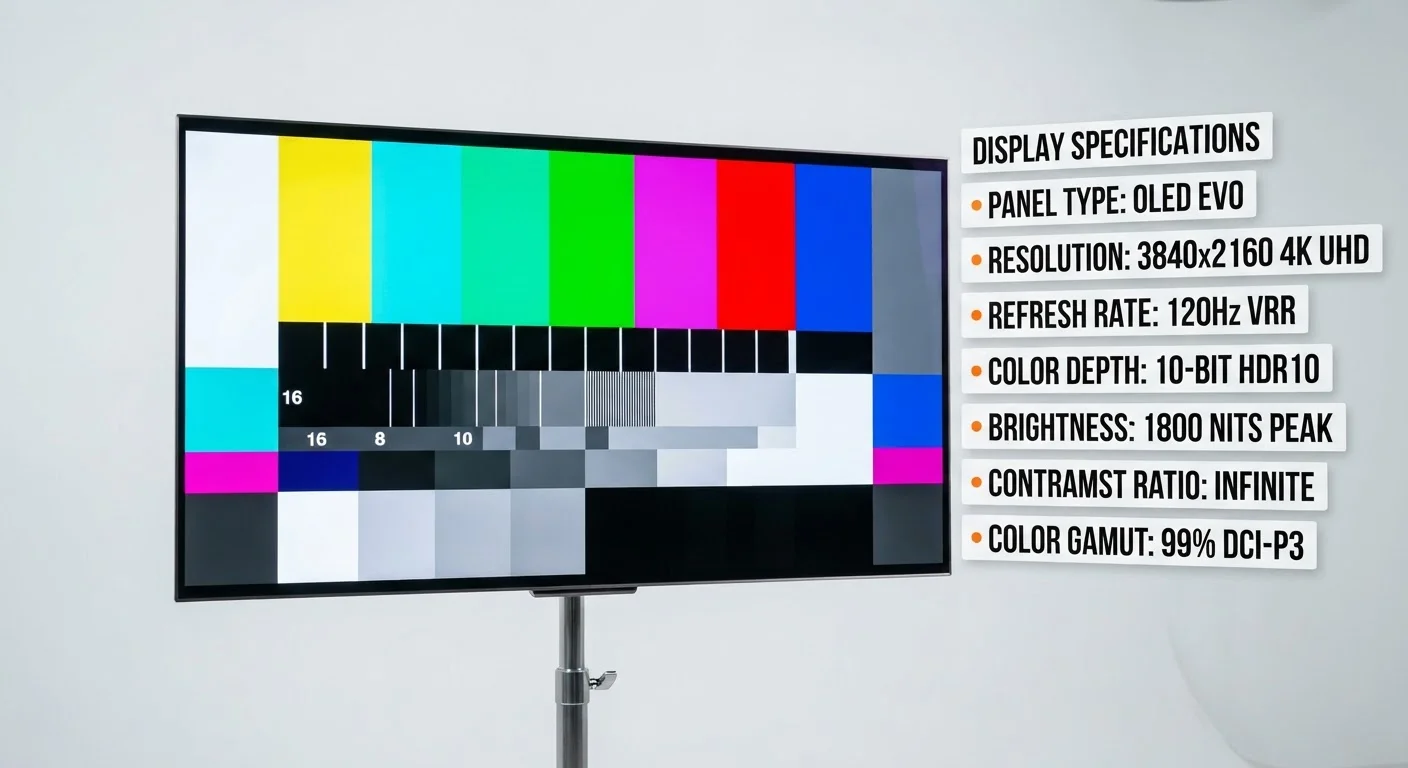
Display quality also depends on panel type (OLED vs. LCD), color accuracy, brightness (measured in nits), contrast ratio, and refresh rate. A high-resolution display with poor color calibration or low brightness may look worse than a lower-resolution display with excellent panel quality. Always evaluate a display's full specification set rather than resolution alone.